Download & Play The Twins on PC
Safely download and play one of the best free offline horror mobile games The Twins on PC or Mac using the Android emulator.

 ▶
▶Download Link
Installation Guide
Click the link above to download, install, and open the emulator on your computer. Sign in with your Google account. Search for The Twins in the Play Store search bar. Install the game, open it, and start playing.
System Requirements
Game Summary
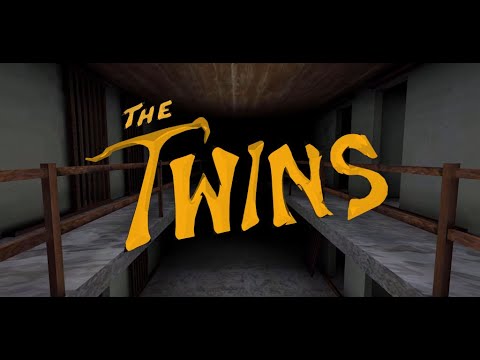
The Twins (by DVloper) is one of the best free offline horror mobile games. Players navigate a tense first-person horror escape scenario after becoming trapped by two hostile siblings. Exploration revolves around searching rooms, unlocking doors, collecting key items, and solving environmental puzzles while avoiding detection. Stealth, sound management, and route planning are essential, since the Twins patrol dynamically and punish careless movement. Success depends on memorizing the layout, improvising under pressure, and using limited opportunities to outmaneuver the antagonists before finally escaping the house. The goal is to assemble the required tools, overcome the security measures, and escape captivity without being caught by either twin.

