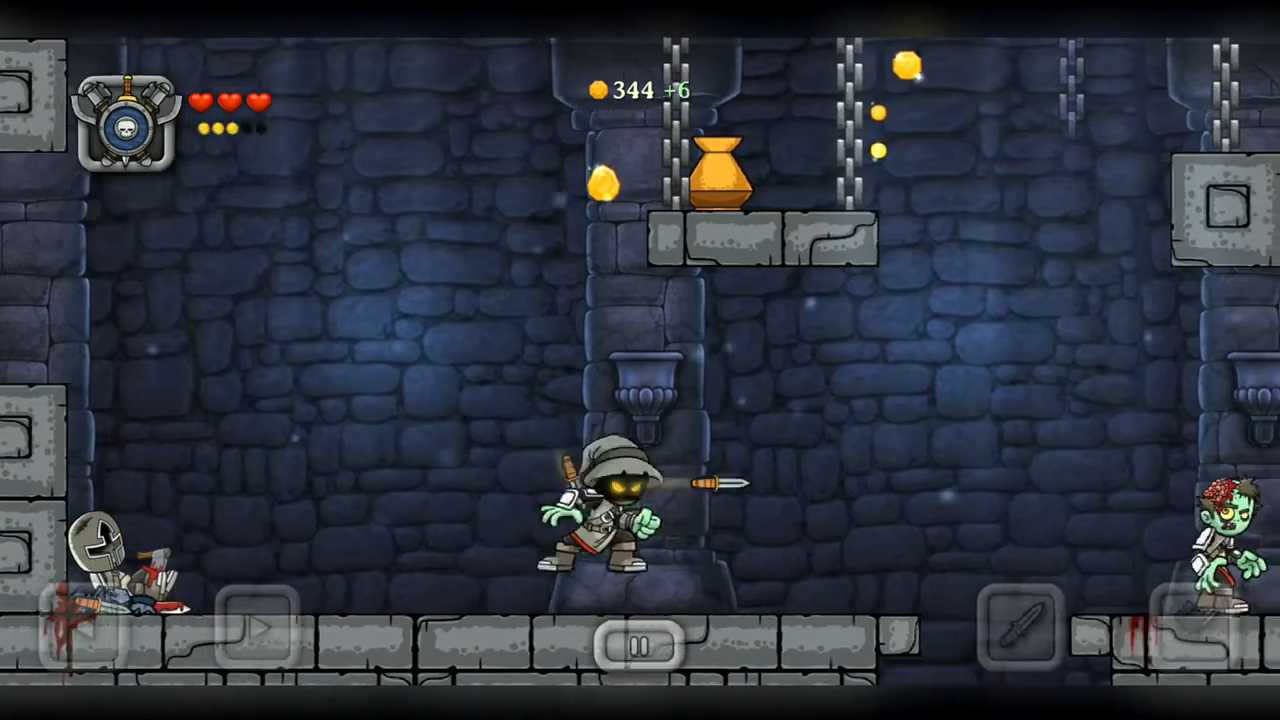
Download & Play Swordigo on PC
Safely download and play one of the best free offline side-scrolling action-adventure mobile games Swordigo on PC or Mac using the Android emulator.

 ▶
▶Download Link
Installation Guide
Click the link above to download, install, and open the emulator on your computer. Sign in with your Google account. Search for Swordigo in the Play Store search bar. Install the game, open it, and start playing.
System Requirements
Game Summary
Swordigo (by Touch Foo) is a side-scrolling action-adventure and Metroidvania that blends platforming, hack-and-slash combat, and light RPG progression. Players traverse interconnected dungeons, forests, and towns while battling monsters, collecting loot, and uncovering spells that unlock new pathways. Defeated enemies grant experience points used to upgrade health, melee damage, or magic. The journey revolves around assembling the legendary Mageblade, mastering abilities such as double jumps and magic bolts, solving environmental puzzles, and using portals for fast travel as increasingly challenging boss encounters test both reflexes and character builds. Ultimately, the hero seeks to recover the shattered Mageblade and defeat the Corruptor to restore balance to the realm.