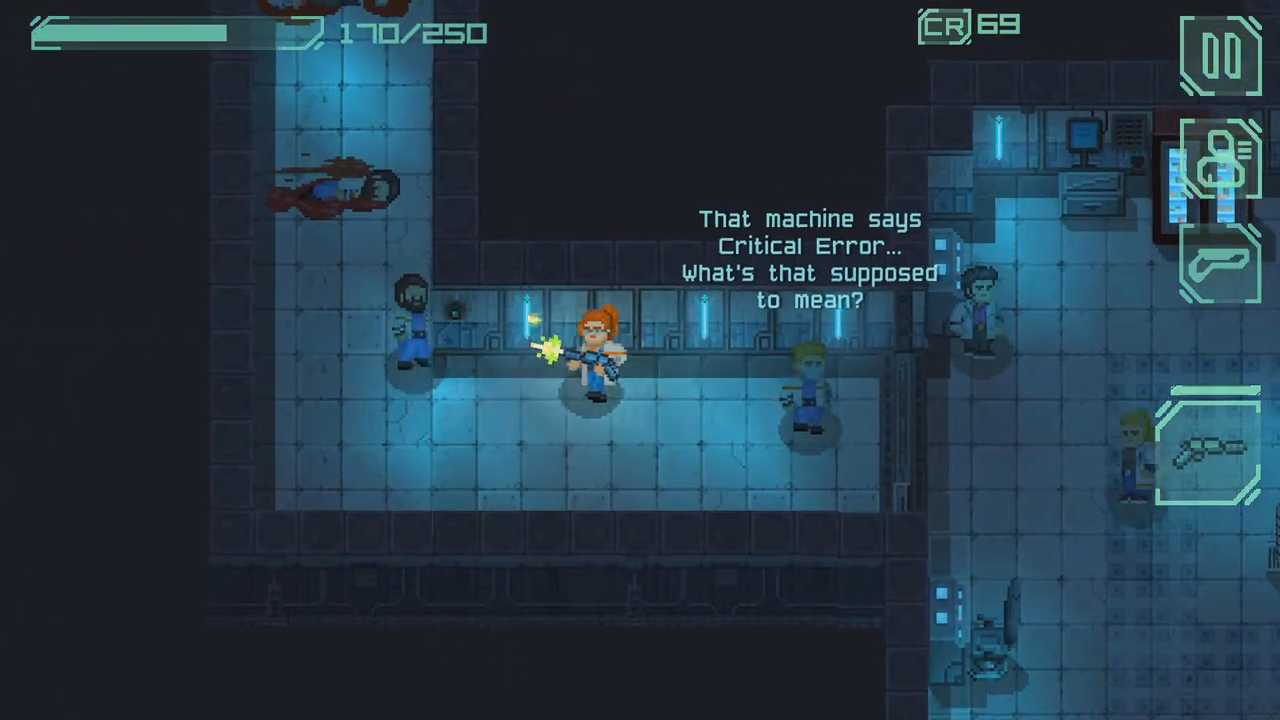
Download & Play Space Commander on PC
Safely download and play one of the best free offline space simulation mobile games Space Commander on PC or Mac using the Android emulator.

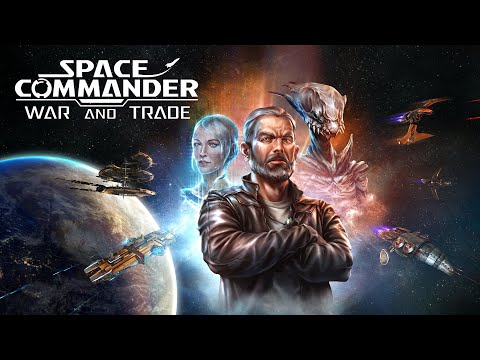 ▶
▶Download Link
Installation Guide
Click the link above to download, install, and open the emulator on your computer. Sign in with your Google account. Search for Space Commander: War and Trade in the Play Store search bar. Install the game, open it, and start playing.
System Requirements
Game Summary
Space Commander: War and Trade (by Home Net Games) blends arcade-style space combat with open-ended trading and fleet management. Players pilot customizable spacecraft, complete faction-based contracts, dogfight pirates and hostile fleets, transport cargo, and exploit market fluctuations across interconnected star systems. Progression unlocks new ship classes, weapons, commander skills, and squadron members, allowing tactical fleet switching during battles. Fuel consumption, repairs, reputation, and station services add strategic resource management, while exploration, production facilities, and branching career paths encourage sandbox-style play beyond the main campaign. The ultimate objective is to build wealth, strengthen your fleet, forge influential faction alliances, and establish dominance across the galaxy through strategic choices.