Download & Play Retro Commander on PC
Safely download and play one of the best free offline post-apocalyptic RTS mobile games Retro Commander on PC or Mac using the Android emulator.
 ▶
▶Download Link
Installation Guide
Click the link above to download, install, and open the emulator on your computer. Sign in with your Google account. Search for Retro Commander in the Play Store search bar. Install the game, open it, and start playing.
System Requirements
Game Summary
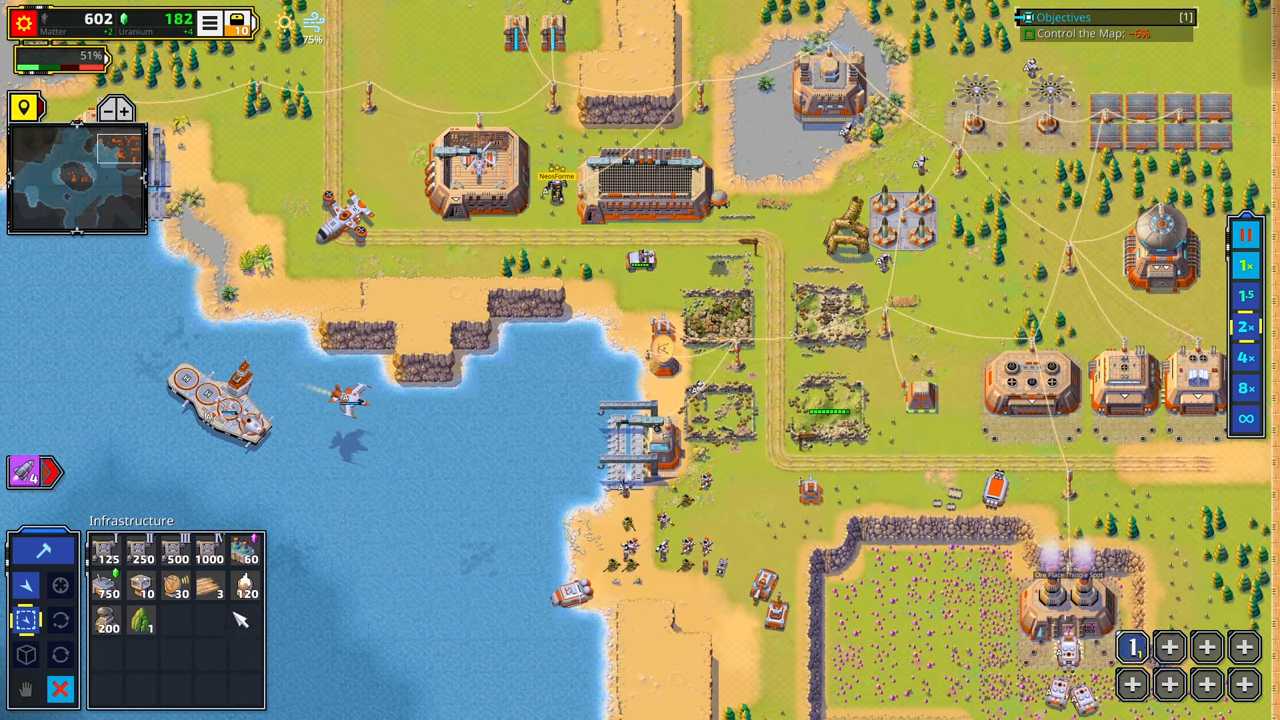
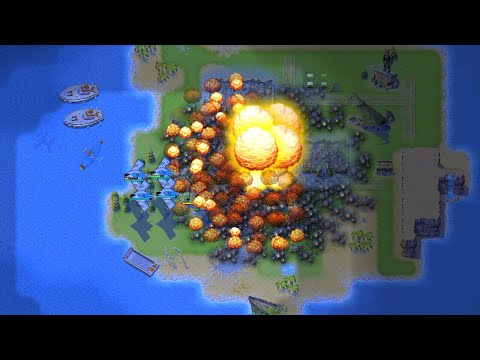
Retro Commander (by Noble Master Games) is a post-apocalyptic real-time strategy game centered on base construction, resource management, technological research, and combined-arms warfare. Players deploy land, naval, and aerial units while exploiting faction-specific tools such as stealth systems, drones, shields, EMP weapons, and orbital strikes. Battles span story campaigns and AI skirmishes, with modes including survival, defense, capture the flag, and battle royale. Dynamic weather and day–night cycles add tactical variety to each engagement. The ultimate goal is to outmaneuver rival commanders, dominate strategic territory, and rebuild civilization amid the remnants of a devastated world.

