Download & Play Punch TV on PC
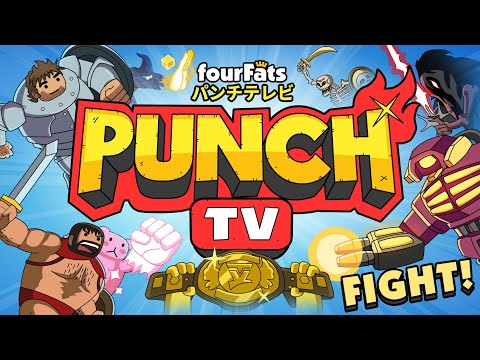
Safely download and play one of the best free offline 2D side-scrolling funny fighting mobile games Punch TV on PC or Mac using the Android emulator.

 ▶
▶Download Link
Installation Guide
Click the link above to download, install, and open the emulator on your computer. Sign in with your Google account. Search for Punch TV: Fighting Game Show in the Play Store search bar. Install the game, open it, and start playing.
System Requirements
Game Summary
Punch TV: Fighting Game Show (by Four Fats Limited) revolves around a progression-based Story Mode where you climb a 65-stage Tower of Champions across varied match formats, including 1v1 duels, free-for-alls, and tag battles. Players assemble a roster within a star-budget system, unlock and draft new fighters, exploit type advantages, and master combos, specials, throws, supers, and character-specific movesets. Increasing difficulty, team composition, and matchup strategy are just as important as mechanical execution, rewarding adaptation and efficient resource management throughout the campaign. The ultimate objective is to conquer every tournament tier, assemble the strongest roster, and earn the championship title as the show’s undisputed fighting champion.

