Download & Play Pro Pool on PC
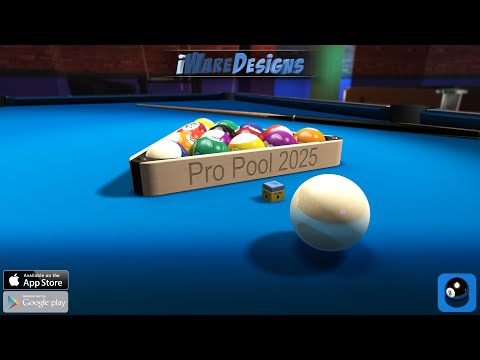
Safely download and play one of the best free offline realistic billiards simulation mobile games Pro Pool on PC or Mac using the Android emulator.

 ▶
▶Download Link
Installation Guide
Click the link above to download, install, and open the emulator on your computer. Sign in with your Google account. Search for Pro Pool in the Play Store search bar. Install the game, open it, and start playing.
System Requirements
Game Summary
Pro Pool (by iWare Designs Ltd) delivers a realistic billiards simulation built around precision cue sports mechanics and responsive 3D physics. Players compete in US 8-Ball, 9-Ball, 10-Ball, Blackball, Straight Pool, Rotation, and other rule sets across regulation and novelty tables. Gameplay emphasizes accurate shot alignment, cue-ball control, English, spin, swerve, and tactical positioning. Multiple modes—including Practice, Quick Play, League, and Tournament—support skill progression, while customizable tables, difficulty levels, camera angles, and detailed player statistics enhance long-term replayability. The ultimate objective is to master cue precision, outmaneuver opponents through strategic shot selection, and consistently claim championships across increasingly demanding competitions.

