Download & Play Eternium on PC
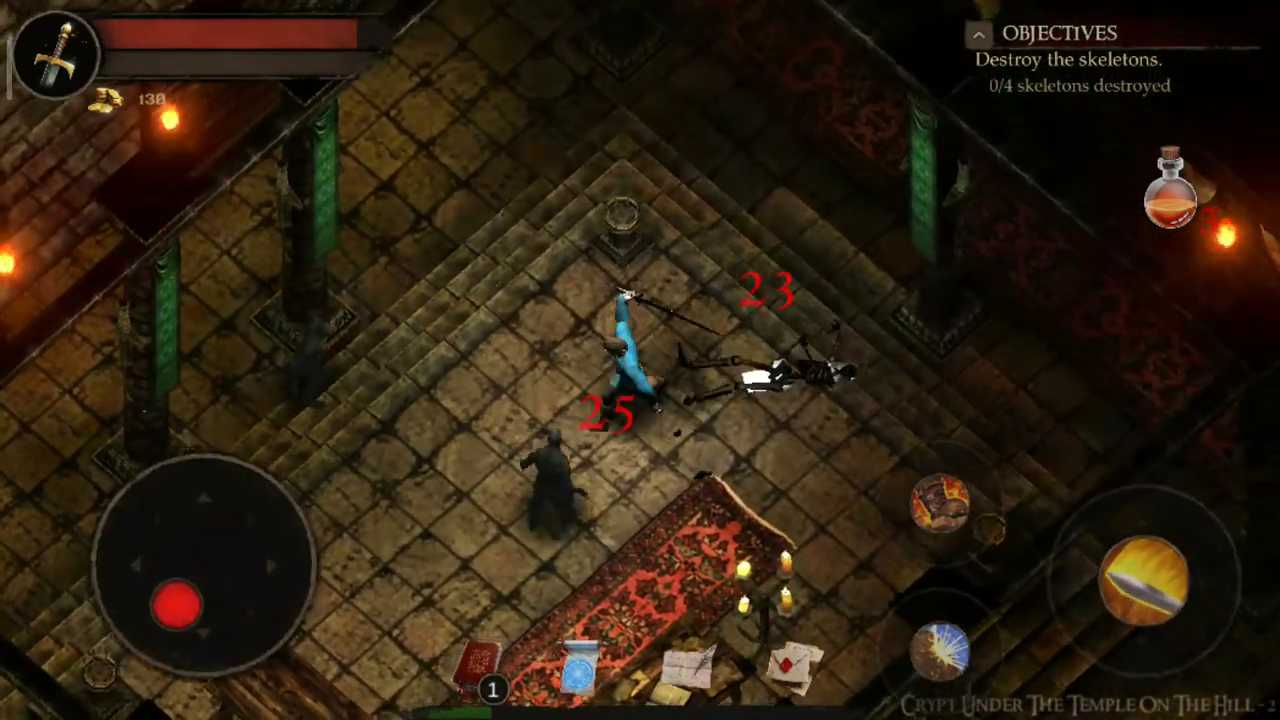
Safely download and play one of the best free offline isometric ARPG mobile games Eternium on PC or Mac using the Android emulator.

 ▶
▶Download Link
Installation Guide
Click the link above to download, install, and open the emulator on your computer. Sign in with your Google account. Search for Eternium in the Play Store search bar. Install the game, open it, and start playing.
System Requirements
Game Summary
Eternium (by Making Fun) is one of the best free offline hack-and-slash action role-playing mobile games. Players battle through campaign zones, dungeons, and challenge modes while controlling a mage, warrior, or bounty hunter. Combat emphasizes fluid movement, kiting, cooldown management, and gesture-cast abilities alongside basic attacks. Progression revolves around loot drops, equipment upgrades, crafting, enchantments, and set bonuses that shape specialized builds. Companions and endgame trials encourage optimization, farming, and increasingly difficult encounters against elite monsters and bosses. The goal is to defeat the evil Ragadam, rescue Alarion, uncover the truth behind the invading demonic forces, and restore peace to the world of Eternium.