Download & Play Dungeon Ward on PC
Safely download and play one of the best free offline action role-playing mobile games Dungeon Ward on PC or Mac using the Android emulator.

 ▶
▶Download Link
Installation Guide
Click the link above to download, install, and open the emulator on your computer. Sign in with your Google account. Search for Dungeon Ward in the Play Store search bar. Install the game, open it, and start playing.
System Requirements
Game Summary
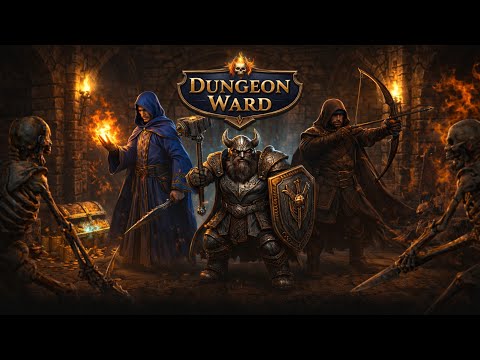
Dungeon Ward (by František Liška) blends old-school grid-based dungeon crawling with fast-paced real-time combat from a third-person perspective. Players choose among the Warden, Ranger, or Mage classes, then delve into procedurally assembled dungeons packed with traps, teleporters, quests, and multi-phase boss encounters. Progression revolves around loot acquisition, talent trees, skill customization, and stat growth, encouraging diverse character builds. Strategic positioning and timing are crucial as players tackle increasingly dangerous labyrinths while refining their gear and combat abilities. The ultimate goal is to conquer deeper floors, perfect your build, defeat formidable bosses, and uncover the mysteries hidden beneath the realm.

