Download & Play Asphalt 8 on PC
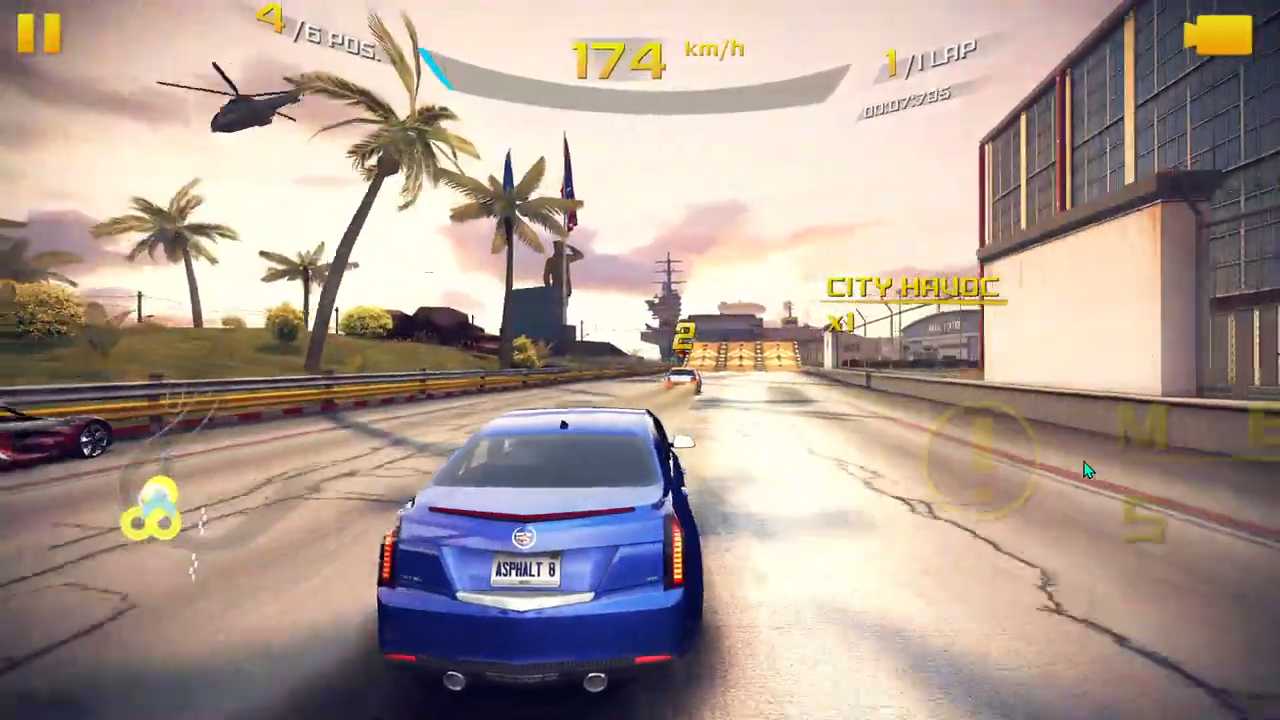
Safely download and play one of the best free offline high-octane arcade racing mobile games Asphalt 8 on PC or Mac using the Android emulator.
 ▶
▶Download Link
Installation Guide
Click the link above to download, install, and open the emulator on your computer. Sign in with your Google account. Search for Asphalt 8 in the Play Store search bar. Install the game, open it, and start playing.
System Requirements
Game Summary
Asphalt 8 (by Gameloft SE) is one of the best free offline visually rich arcade racing mobile games. It focuses on aggressive high-speed action, aerial stunts, and progression. Players compete across varied tracks, using drifting, jumps, and takedowns to build nitro boosts, while gravity-defying airborne mechanics allow cinematic barrel rolls and flat spins. Career Seasons offer objectives, while modes such as Elimination and Infected deliver distinct adrenaline-fueled experiences. Customizable controls and a large selection of licensed cars and motorcycles enhance gameplay, while stars and rewards encourage replayability. The goal is to become the top driver by winning events, upgrading and tuning vehicles, and improving performance.

